Screenshot Graveyard
Privately clean up your screenshots.
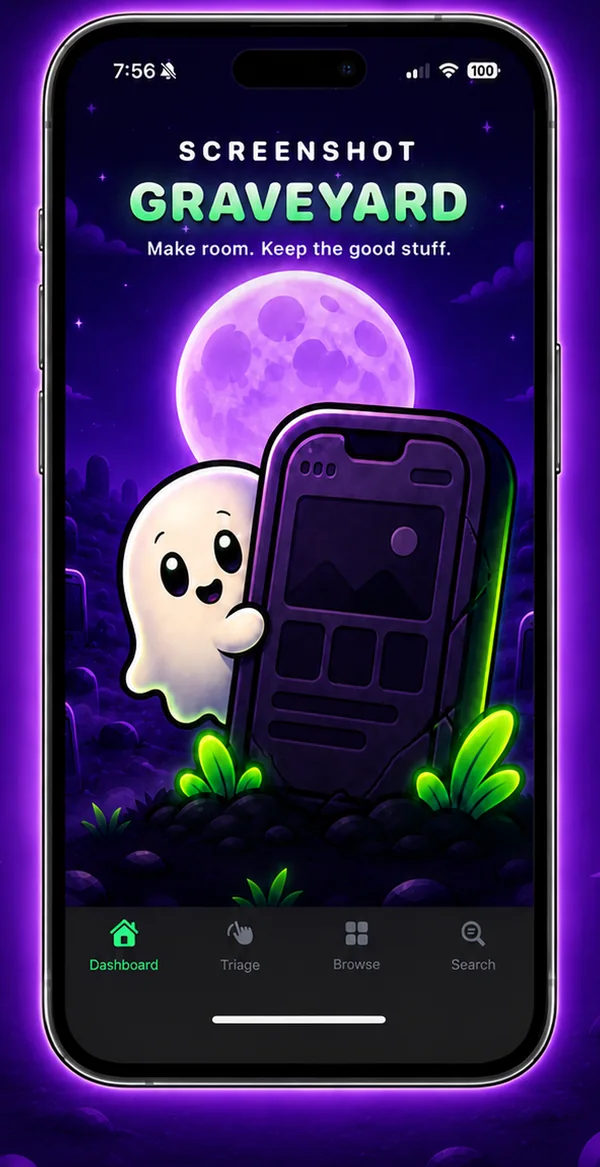
Turn camera-roll clutter into a quick, private cleanup. Swipe through your screenshots, keep the useful ones, bury the rest, and search the text inside any of them. Nothing is deleted until you choose to empty the graveyard.
iPhone · iOS 17 or later
How it works
Four steps, start to finish.
- 1
Allow Photos access
The app finds only your screenshots and reads the text in each one on your iPhone. Limited access works too.
- 2
Swipe to decide
Swipe left to bury, right to keep, or skip. Changed your mind? Undo is there for five seconds.
- 3
Find what matters
Browse by date or category, or search the text inside your screenshots for that booking code or address.
- 4
Empty the graveyard
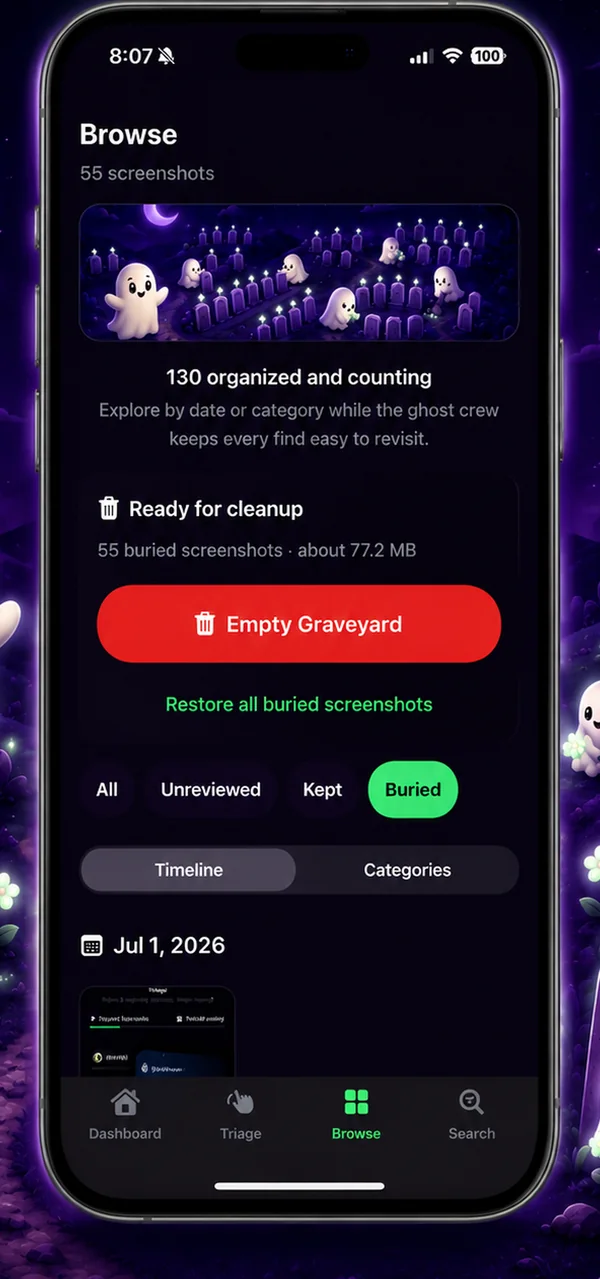
When you’re ready, iOS asks you to confirm, and the buried screenshots move to Recently Deleted.
A closer look
See it in action.
Features
What it does
Swipe triage
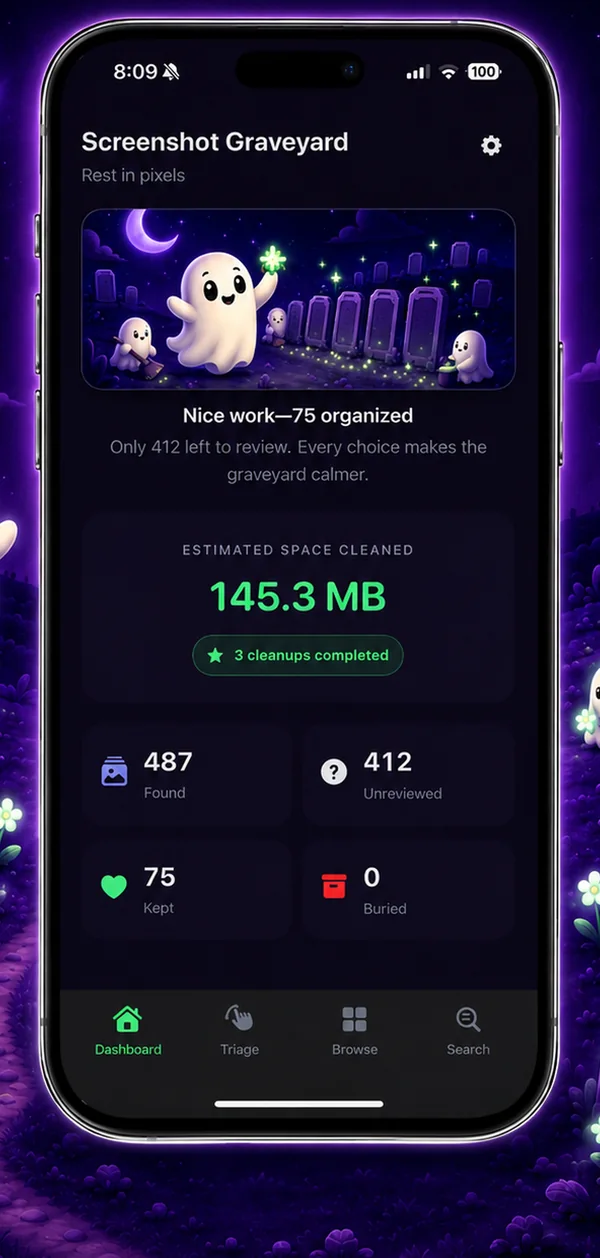
Keep, bury or skip with a card stack, and see how many you’ve sorted and how much space is waiting.
Undo
Every keep or bury can be undone for five seconds.
Search inside screenshots
On-device text recognition makes receipts, booking codes, tracking numbers, addresses and Wi-Fi details searchable.
Smart categories
Receipts, Travel, Codes, Shopping, Conversations, Memes and Web Pages, sorted for you.
Browse your way
A date timeline or categories, filtered by unreviewed, kept or buried.
Save the useful bits
Links, phone numbers, emails, addresses and QR codes are detected, with one tap to copy, share, open, call, email or map.
Delete only on your say-so
Empty Graveyard uses Apple’s own delete confirmation. Cancel, and everything stays buried.
Restore anytime
Bring back one buried screenshot or all of them before you empty the graveyard.
Built for everyone
Dynamic Type, VoiceOver labels and Reduce Motion support.
Privacy
Nothing leaves your iPhone.
On-device analysis
Text recognition, QR detection, categories, search and your review choices all stay on your iPhone.
No data collected
No account, analytics, advertising, tracking or third-party SDKs. The App Store privacy label reads “Data Not Collected”.
Just one permission
Photos access, used to find your screenshots and delete them only when you confirm.
Erase anytime
Erase Local Index removes the app’s text, categories and history. It never deletes a photo.
Questions
Good to know
Does it upload my screenshots?
No. All analysis happens on your iPhone, and there’s no account, analytics or tracking.
What does Bury do?
It marks a screenshot inside the app only. Your Photos library isn’t changed.
What happens when I empty the graveyard?
iOS asks you to confirm, then the buried screenshots move to Photos’ Recently Deleted album, where they can still be recovered for a while.
Does it work with Limited Photos access?
Yes. It sees only the photos you’ve selected, and you can change that selection from inside the app.
Does it need an internet connection?
No. There’s no login, and everything works offline.
How much does it cost?
$0.99 on the App Store, with no in-app purchases.
Platforms
iPhone
iOS 17 or later